 EXVISION
PLAY
Play video like an instrument.
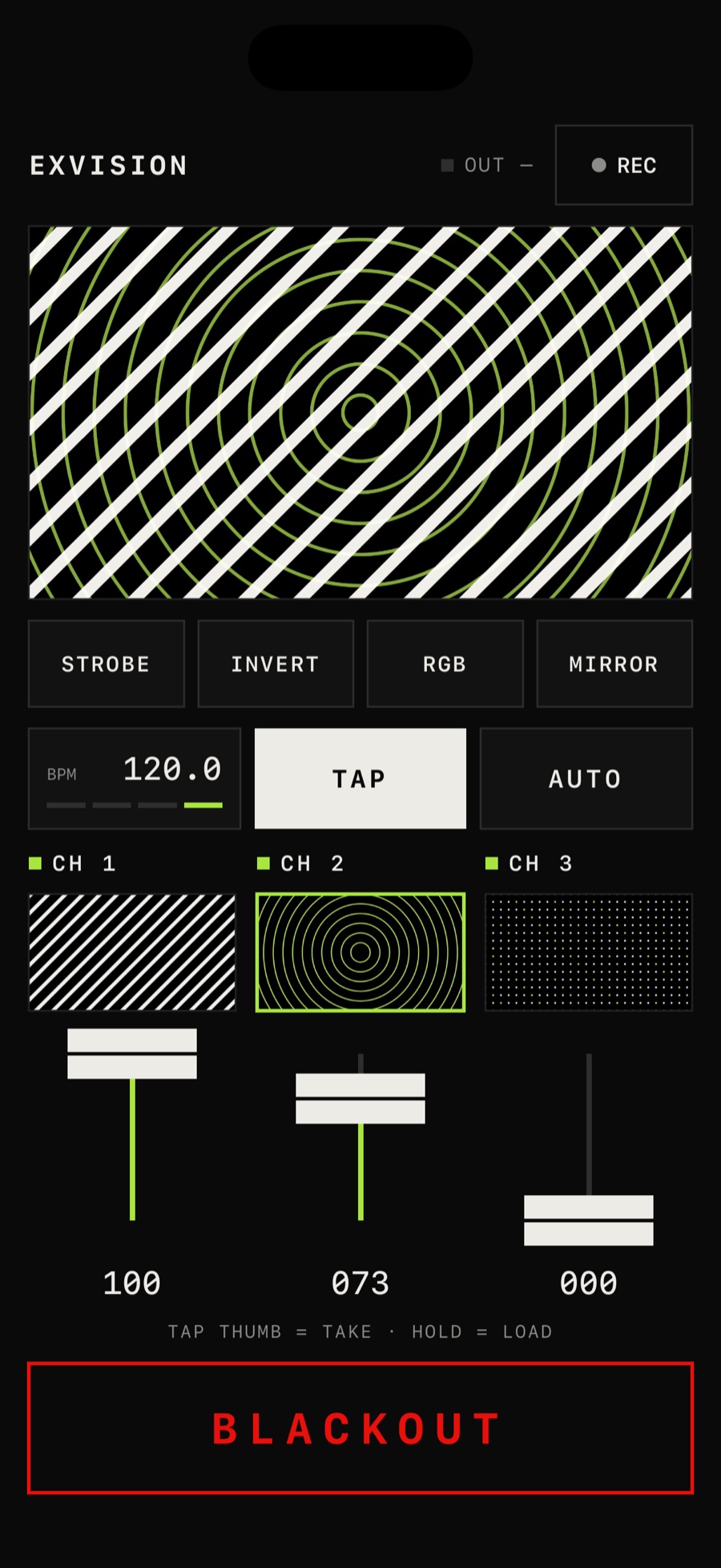
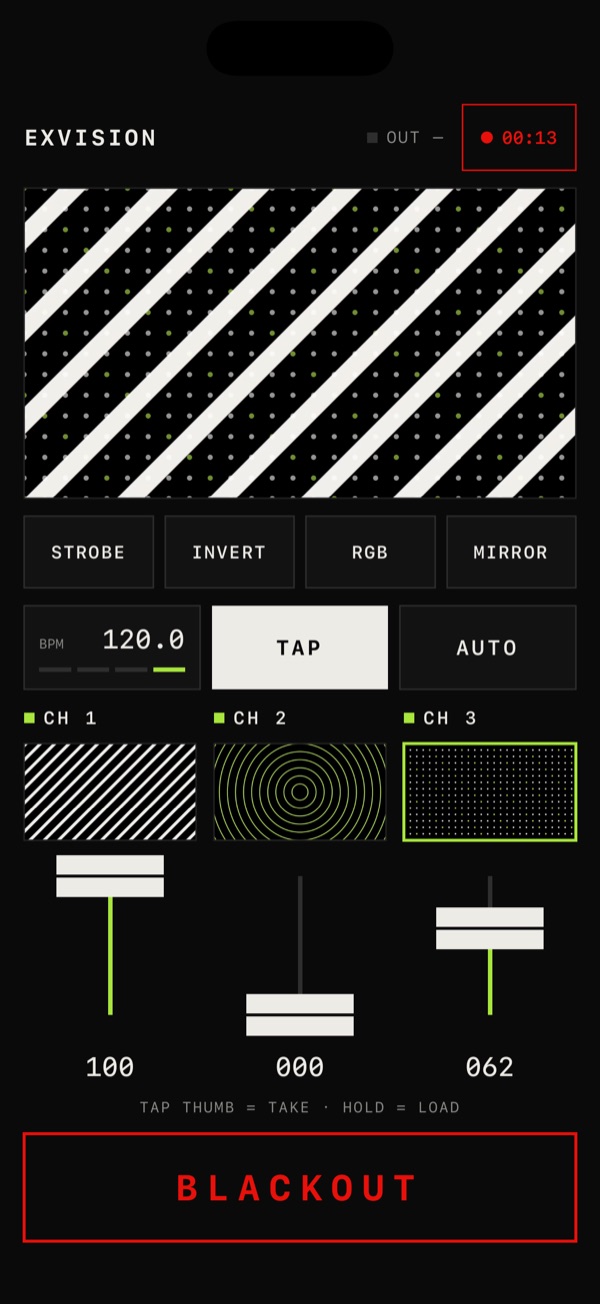
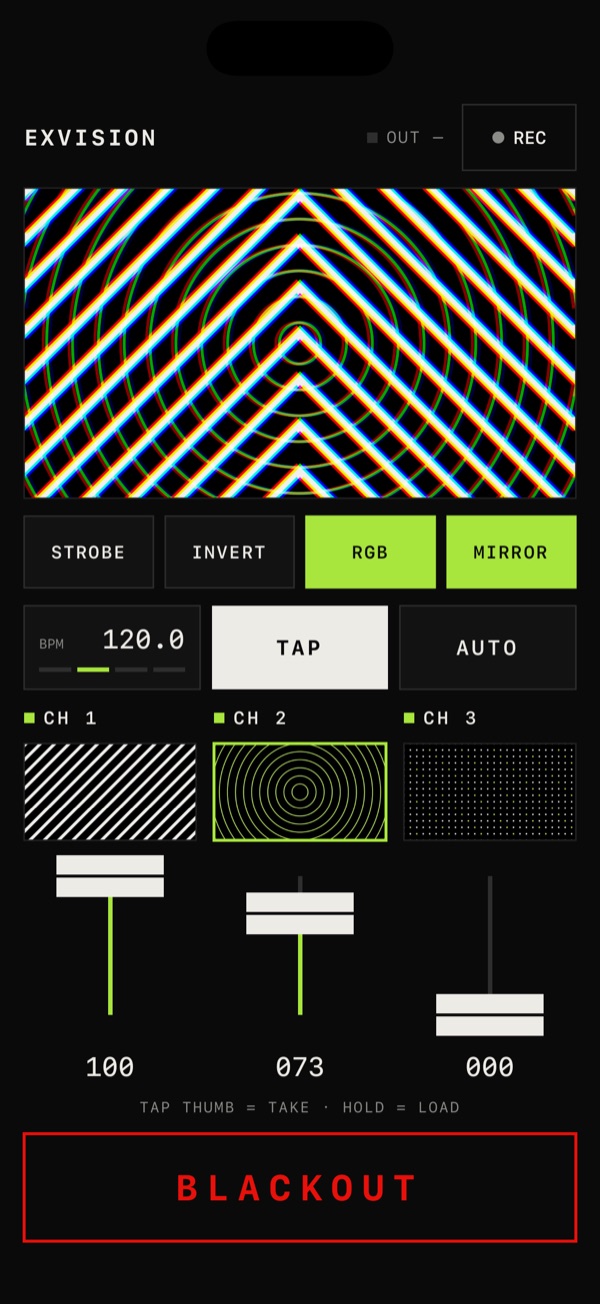
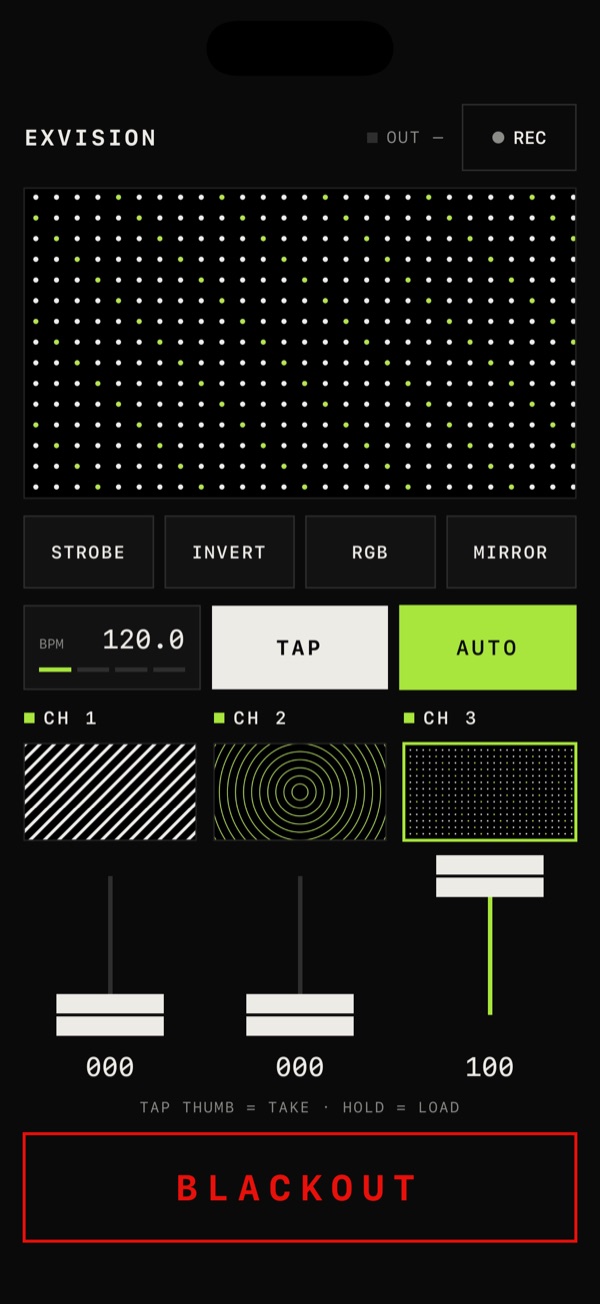
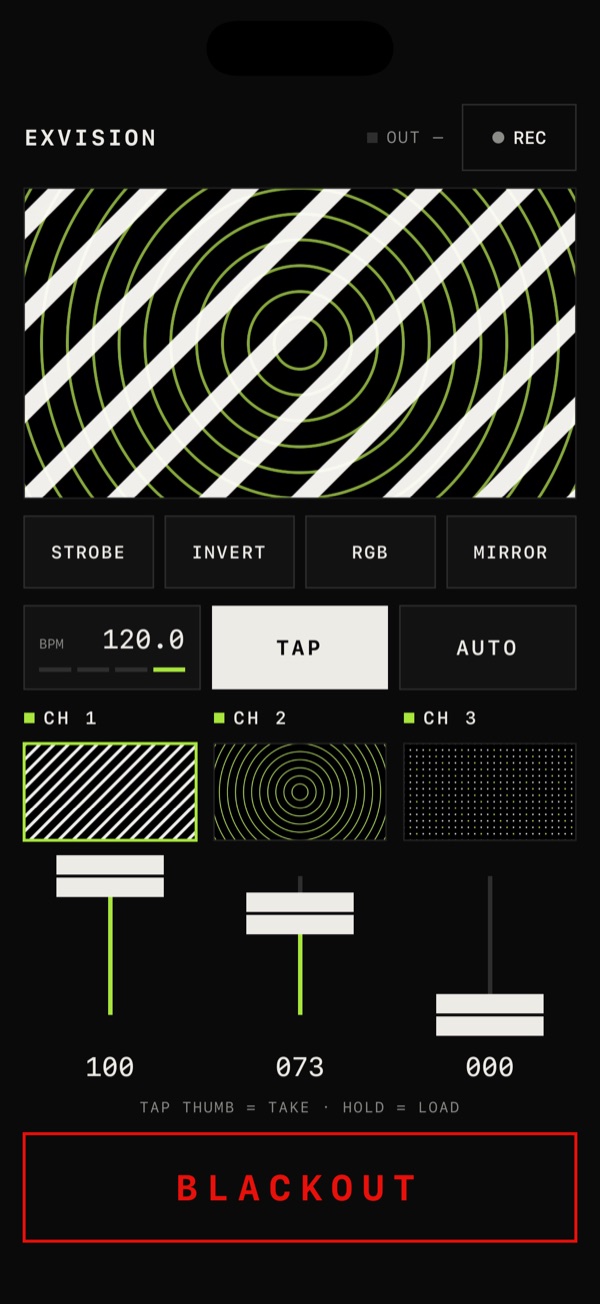
Blend three channels with vertical faders and stack effects with a tap. TAP the tempo; AUTO cuts on every bar. Your iPhone becomes a visual instrument.
VISUAL INSTRUMENT FOR iPHONE
Perform video to the music.
EXVISION turns your iPhone into an instrument for video. Blend three channels with your thumb, and every move becomes a film of its own. The projector or TV shows only the picture.
THREE WAYS TO PLAY
Perform it, record it, put it on the big screen. EXVISION is not a special tool for VJs only.
PLAY
Blend three channels with vertical faders and stack effects with a tap. TAP the tempo; AUTO cuts on every bar. Your iPhone becomes a visual instrument.
REC
Record the mix exactly as it goes out and save it to Photos. Every move you make to the music turns into an original video.
OUT
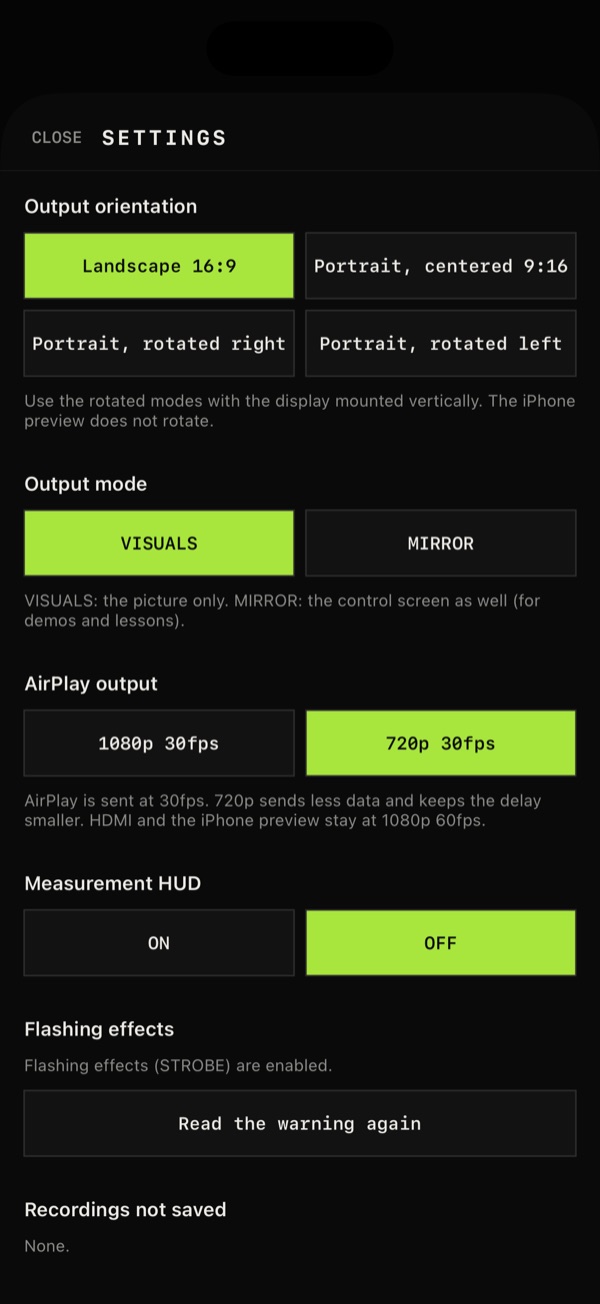
Projectors, TVs and LED panels show only the picture, full screen — even when mounted vertically. The controls stay in your hand.
● REC
Ride the faders to the music, stack effects, cut on the beat. The whole performance is kept in your photo library as a single film. Enjoy the making of it.
FOR
The hands that pick the sound, now on the visuals.
A visual accompaniment for the body.
Your mix is already the film.
Stage the space and the screen, live.
SCREENS
FEATURES
3CH MIX
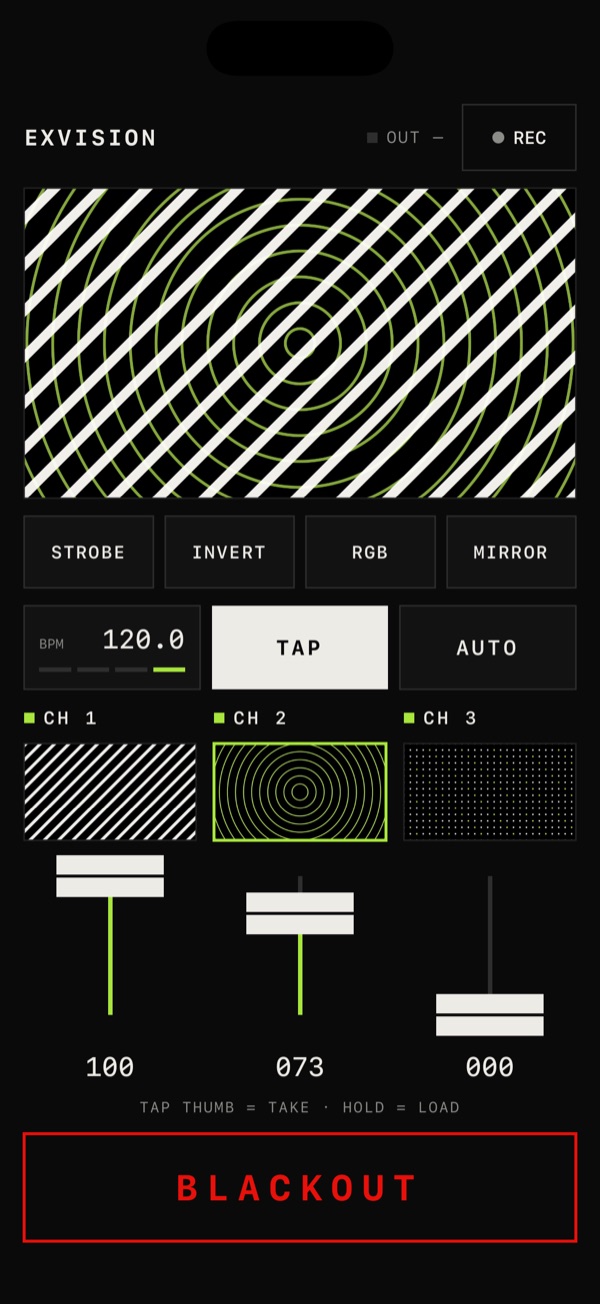
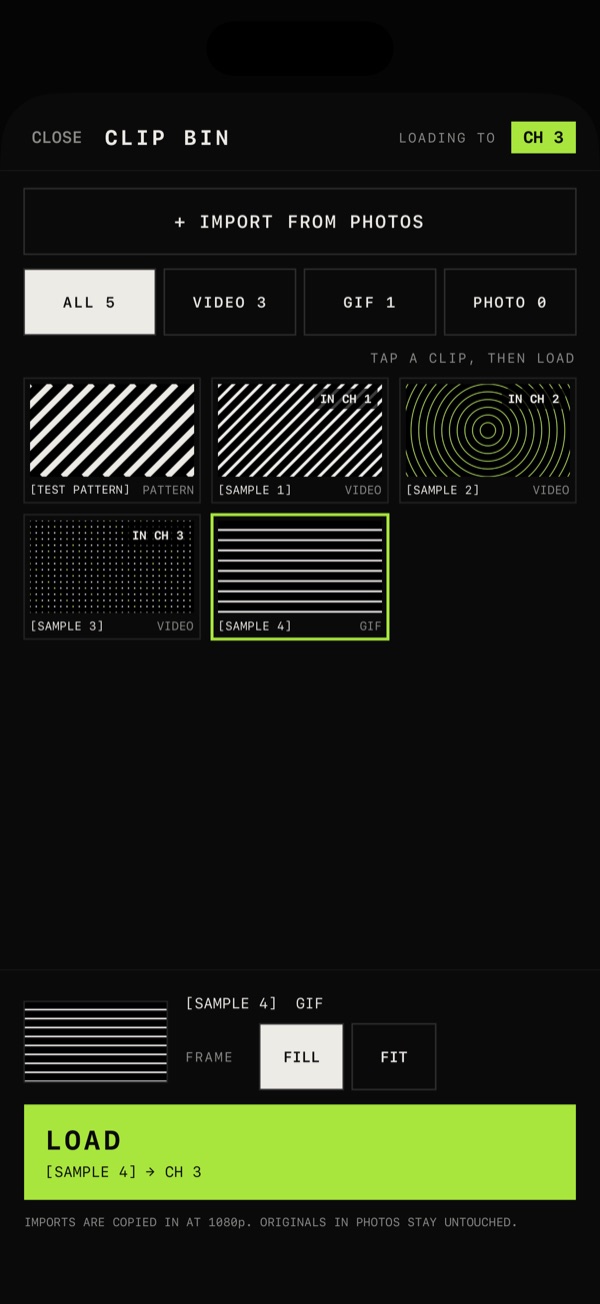
Load videos, GIFs and photos from your library and mix them with vertical faders.
TAKE / ZOOM
Tap a thumbnail to cut to that channel. Pinch the preview to zoom and drag to move.
FX
STROBE, INVERT, RGB and MIRROR. Tap to switch them on or off, and stack them.
TAP / AUTO
TAP sets the tempo; AUTO cuts to the next channel on every bar.
REC
Record the mix as it goes out and save it to Photos. Picture only.
BLACKOUT
The biggest button takes the output to black the moment you press it.
CONNECT
HDMI
An iPhone with USB-C display output (iPhone 15 and later; not iPhone 16e / 17e) and a USB-C to HDMI adapter, or a Lightning iPhone with the Lightning Digital AV Adapter. Made for shows.
AIRPLAY
Screen Mirroring to a compatible TV or receiver, from any iPhone. The picture arrives a little late (sent at 30 fps).
MADE FOR THE STAGE
VISION
The DJ picks the sound, the dancer moves the body, and anyone can play the visuals.
EXVISION is a new instrument for video.
PHOTOSENSITIVITY WARNING
Flashing light warning
EXVISION includes effects that flash light rapidly (such as STROBE). In rare cases, flashing lights can trigger seizures (photosensitive epilepsy). If you have ever had a seizure or epilepsy, or felt unwell from flashing lights, do not use flashing effects. When projecting at a venue, remember that the audience can be affected too.